Blog
Electronic business card: is it different from a digital one?
An electronic business card is your contact details shared digitally instead of on paper: a web page, a QR code or NFC tag that opens it, and a vCard file that saves you to contacts in one tap. In practice it is the same thing as a digital business card.
Contents
Plan: the QR code, vCard, NFC, contact form and email signature described here are included in Starter and higher plans.
When a customer asks whether you have an "electronic business card", they usually mean something they can scan with a phone camera or a card they can tap with their phone. Someone else will call the same thing a "digital business card", and a third person an "e-card". This article explains what these terms mean, whether there is any real difference between them, and what an electronic business card is actually made of.
What is an electronic business card?
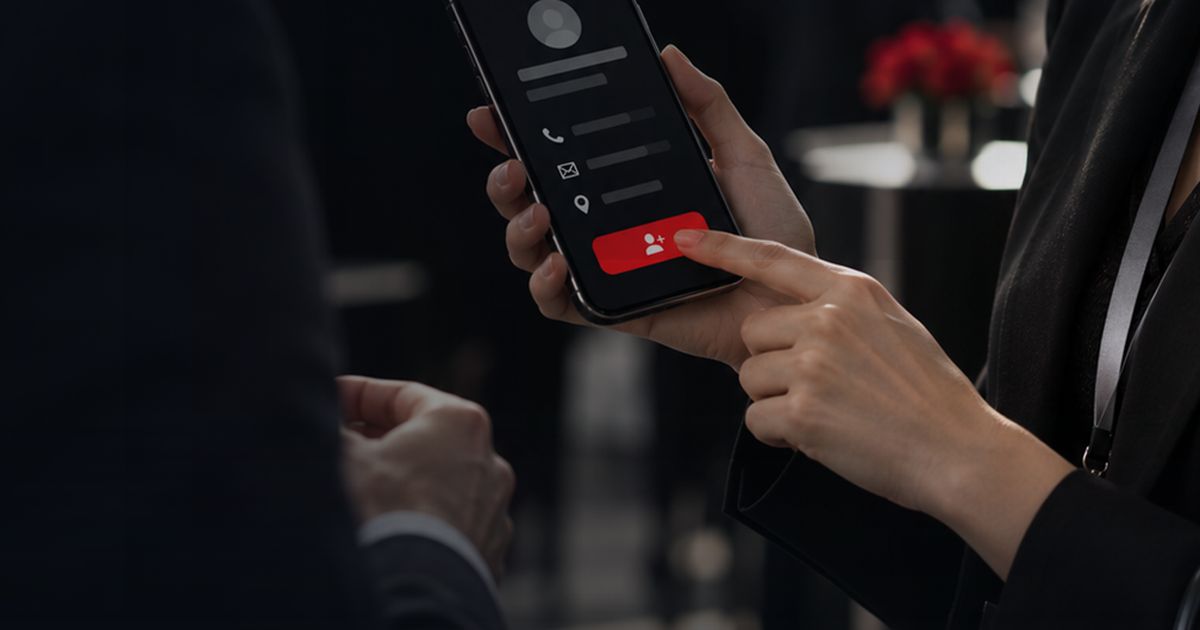
An electronic business card is the information on a paper card (name, title, company, phone, email, website) kept and shared in digital form. Today that almost always means a personal web page. The person you meet opens the page in their phone's browser; from there they can call you, write to you, visit your website or save you to their contacts with a single tap.
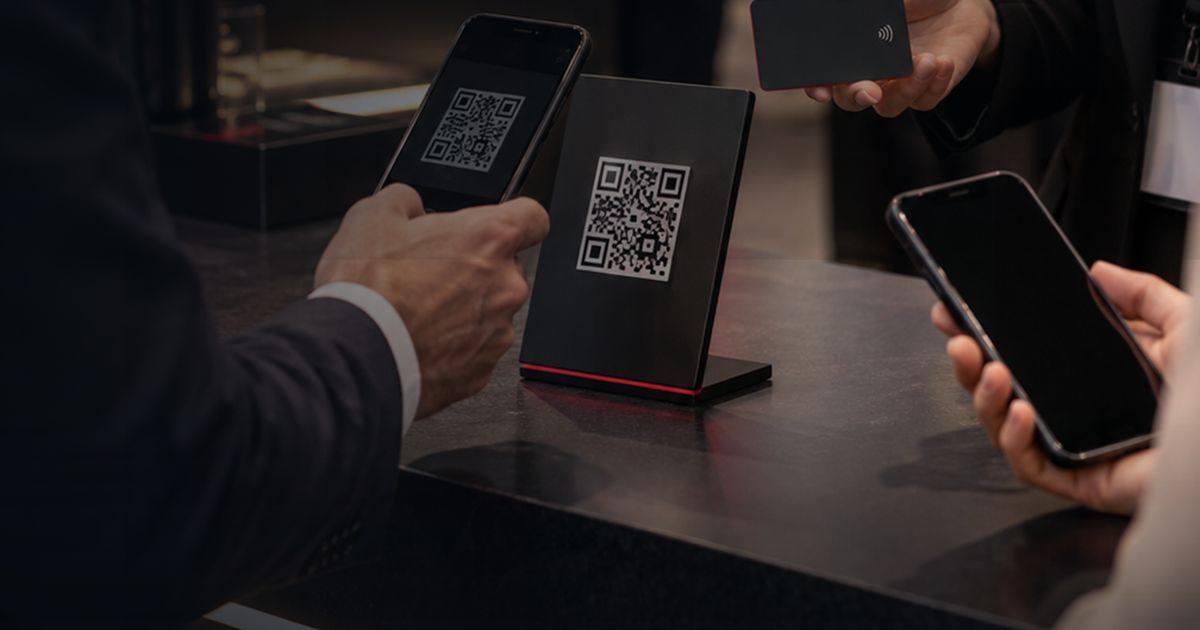
There are several ways to reach that page: a short link, a QR code printed on paper or shown on a screen, an NFC chip inside a card or sticker, or a link in your email signature. All of them lead to the same page. So it helps to think of an electronic business card not as a single object but as a page and the paths that lead to it. For a broader overview of the card itself, see our digital business card page.
Is it different from a digital business card?
In practice, no. Both terms describe the same product; the difference is mostly about when and where each term took hold.
"Electronic business card" is the older phrase. Before smartphones were everywhere, it usually referred to contact files attached to emails and to email signatures. Once personal pages that open in a phone browser became common, "digital business card" took over. In Turkey people still search for both, and both appear regularly in our own search data, which is why we answer the question in both languages. When choosing which term to use on your website, in a proposal or in a tender document, simply use the word your customers use.
Where the names do differ, they usually describe how the card is shared. The table below brings the common names together:
| Term | What it usually means | How it opens |
|---|---|---|
| Electronic business card, e-card | The digital version of a paper card; the general term | Link, QR code, NFC, email |
| Digital business card | The same thing; the most widely used name today | Link, QR code, NFC, email |
| QR code business card | The page shared through a QR code | Scanning with the phone camera |
| NFC business card, smart business card | A card or sticker with an NFC chip inside | Holding the phone near the card |
| vCard (.vcf) | A contact file that goes into the phone's address book | A "Save contact" tap or an email attachment |
So "electronic or digital?" is a choice of words, not a choice of product. The decision that actually matters is which ways you will use to share your card.
What is an electronic business card made of?
A personal page
At the centre is a page that lives at a permanent address. When your details change, you update the page and the address stays the same, so every link, QR code and NFC tag you have already handed out keeps showing current information. In DigiCardSystem, cards are managed from one panel and every card has its own web address.
A QR code
A QR code is a square that carries the page address. Phone cameras read it directly; no separate app is needed. It can go on a paper card, the last slide of a presentation, a trade fair stand or a small sign on your desk. Practical advice on size, contrast and placement is collected in QR code business card best practices.
An NFC tag
NFC is a short-range technology that opens the page when a phone is held near a card or sticker. In DigiCardSystem, the tag is linked to the card from the panel; even if the card's content changes, the tag stays the same. Which phones read it and what the tag contains is covered in how NFC business cards work.
A vCard file
The "Save contact" button on the page produces a vCard (.vcf) file. The phone recognises it and opens its "add to contacts" screen, so the other person does not have to type your number. DigiCardSystem uses vCard 3.0, which also works on older devices. More in what is a vCard.
An email signature
Every email you send is also a chance to share your card. A card link in your signature shows all your contact details in one click. Setting it up is explained in digital business card in your email signature.
What should an electronic business card include?
A good card is short and complete. Everything the other person needs to reach you should fit on one screen; anything more makes it harder to read. A card should carry:
- Name and title: as on your paper card; keep the title short and plain.
- Company name and logo: a reminder of where they met you.
- A phone number that reaches you directly: ideally not the switchboard. If you have separate work and mobile numbers, list both; they show up with the right type when saved to contacts.
- Work email and website.
- Social profiles you actually use: leaving out an account you no longer update is better than sending people to an old post.
- A photo: it helps someone you met in person recognise you in their contacts months later.
Three common mistakes
- Printing the QR code too small or too faint. If the camera cannot read it, the rest of the card does not matter.
- Changing the card's address. Every QR code and tag you have handed out still points to the old one. Keep the address fixed and change only the content.
- Sharing the card and never looking at it again. An electronic card with an outdated title or number repeats the paper card's ageing problem in digital form.
What does it do differently from a paper card?
An electronic business card does not have to replace paper, but it does several things differently:
- Updates: when your title, number or address changes, there is nothing to reprint. You update the page, and the QR code and NFC tag you already have keep pointing to it.
- Saving to contacts: the other person does not type your details by hand; one tap adds you to their contacts, which also removes typing mistakes.
- Measurement: you see how many times your card was opened, which links were clicked, and which devices and sources the visits came from. The panel does not show who looked; details are in digital business card analytics.
- Two-way sharing: when someone saves your card to their contacts, a "Leave your details too" window opens. If they want, they leave their name and a phone number or email, and the request lands in your panel. The flow is described in lead capture with a digital business card.
Paper cards still have their place, especially when you want to hand over something physical at a first meeting. Adding a QR code to the front or an NFC sticker to the back connects the two: the paper card becomes a bridge to the digital page.
Why does it matter for teams?
For one person, an electronic business card is a convenience; for a team, it is a matter of order. When everyone orders their own card separately, logos, colours and titles drift apart, and old cards keep circulating after someone leaves.
When cards are managed from a single panel, company details are updated in one place, the corporate brand (logo, colours) appears the same on every card, and the card of someone who has left can be closed. How to set this up for a team is explained step by step in managing digital business cards for a team.
How do you get started?
- Create the card. Enter your name, title, phone, email, website and social links.
- Get the address and the QR code. Put the QR code on your paper card, presentation or stand.
- Add NFC if you like. Link an NFC tag to your card from the panel.
- Add it to your signature. Put the card link in your email signature.
- Check back after a few days. The analytics screen shows how many times the card was opened and which links were clicked.
You can compare plans and see which feature is in which plan on the pricing page. To open an account, use the sign-up page.
Frequently asked questions
Does the other person need to install an app?
No. The card page opens in the phone's browser. Phone cameras read QR codes, and most NFC-capable phones read the tag without any extra app.
Are an electronic business card and a digital business card the same thing?
Yes. Both describe your contact details shared in digital form. Names such as "QR business card" or "NFC business card" only say how the same card is shared.
How do I share an electronic business card?
You can send the link in a message, show the QR code, hold an NFC-enabled card near the other person's phone or rely on the link in your email signature. Which one you choose depends on the setting: in person, a QR code or NFC; at a distance, the link and your signature are the most practical.
What happens when my details change?
Updating your page is enough; the link, QR code and NFC tag stay the same, and everyone who opens the card sees the current details. A contact that someone already saved to their phone does not change by itself, because a vCard is a copy. After an important change, it is a good idea to share your card again.